Do we need to purchase a separate server?
You do not necessarily need to buy a separate server.
By choosing cloud deployment, you can reduce burdens such as initial server purchases, server-room operations, and backup infrastructure,
and start with the scope you need.
For companies requiring on-premise servers or private networks, custom deployment options can be reviewed based on security policy and operating conditions.
Do we need to roll out all features from the start?
No. You do not need to introduce every area at once (order, BOM, work order, process, quality, inventory, shipment, outsourcing).
A practical approach is to apply in phases, starting with the most painful workflow.
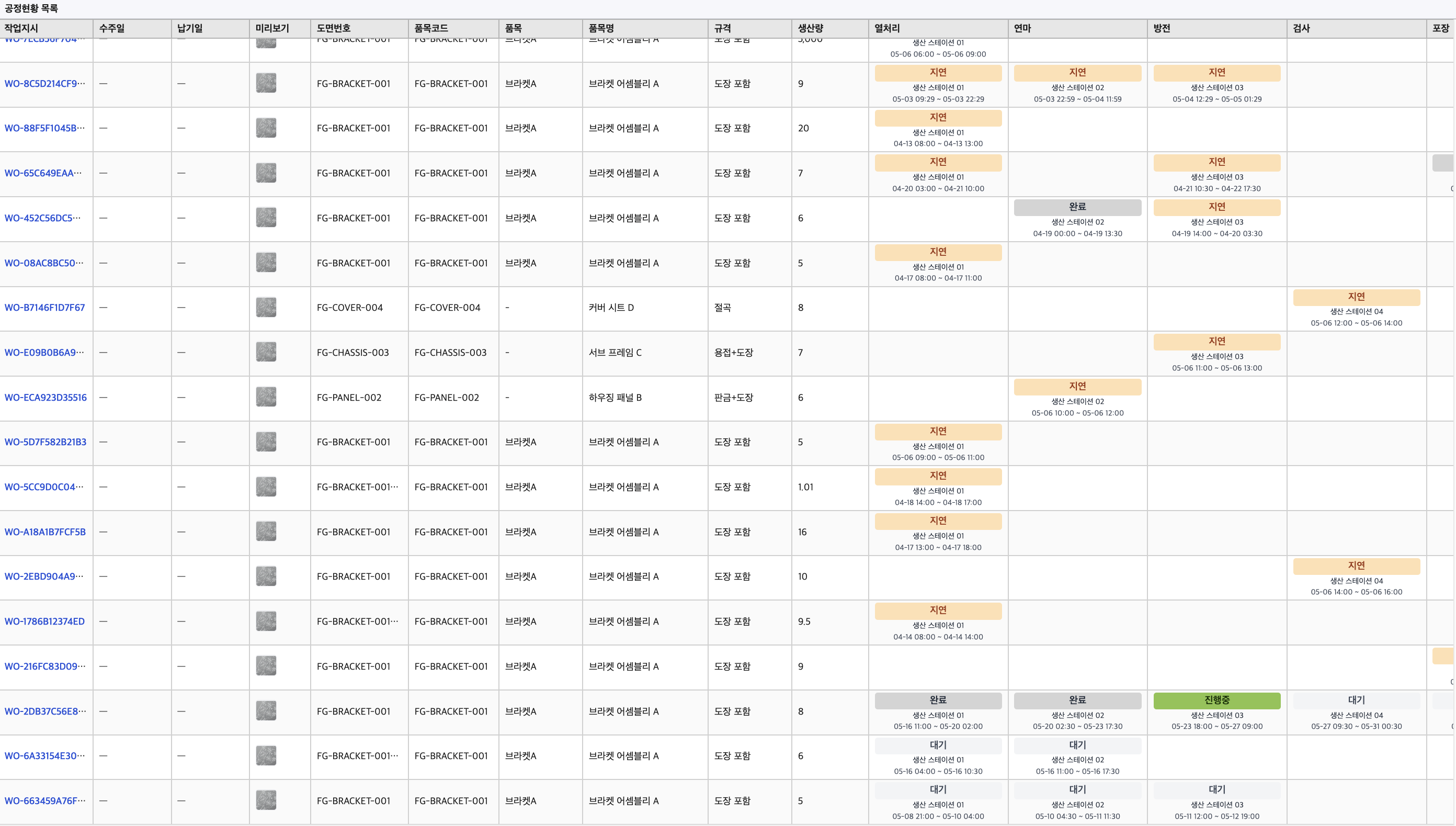
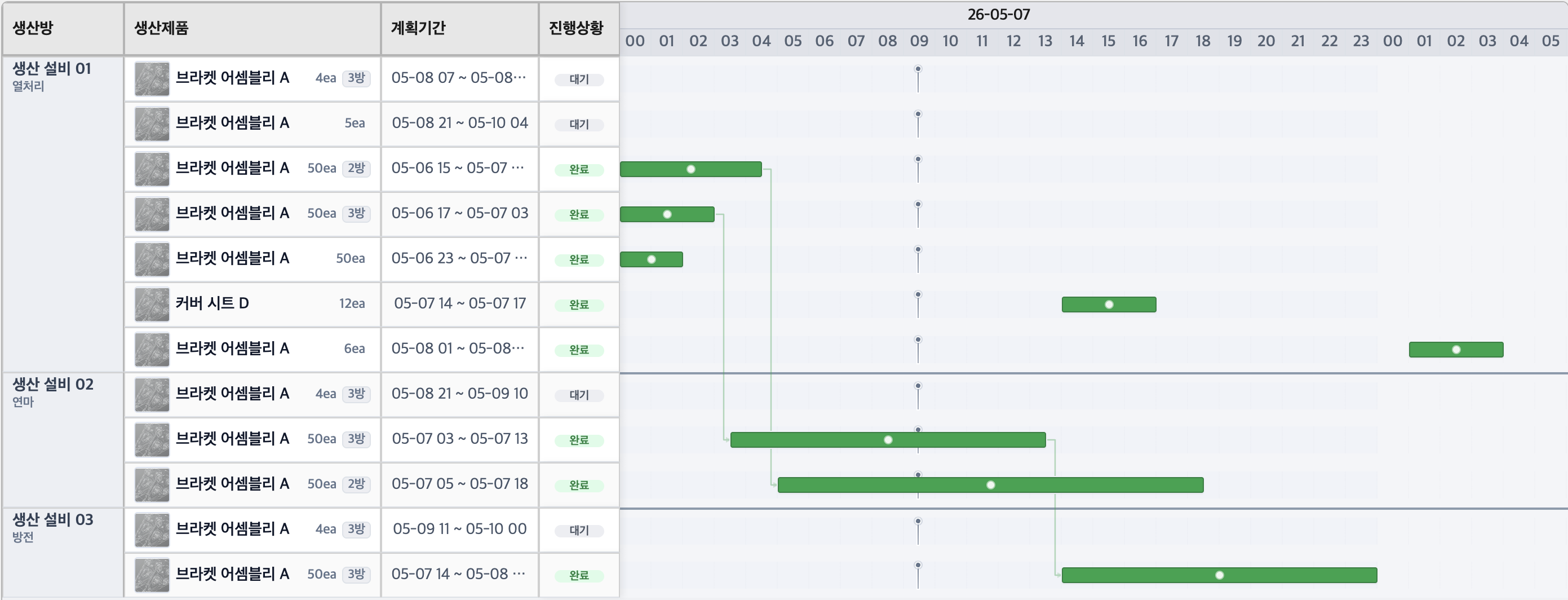
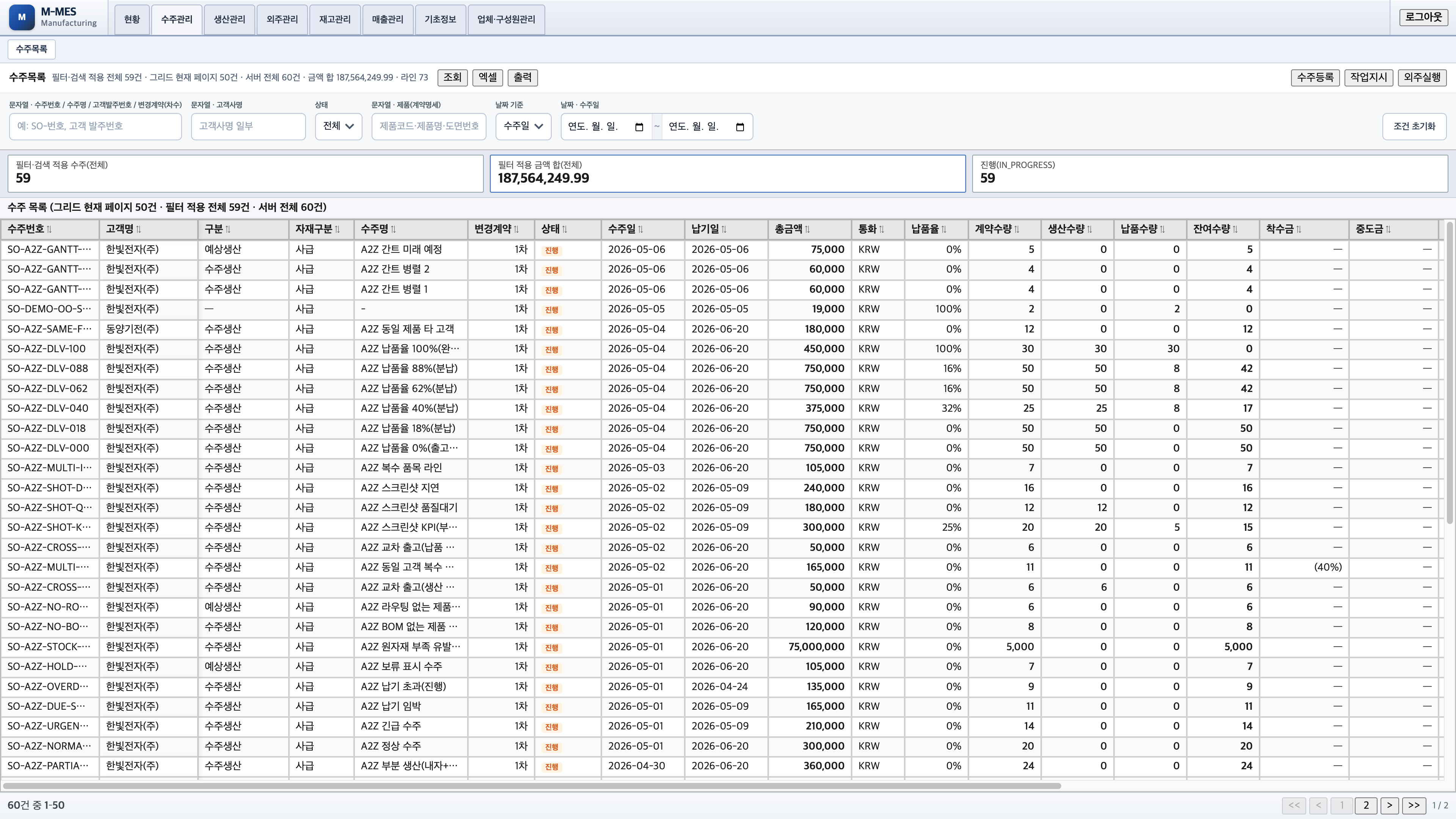
For example, start with order and work-order management, then expand step by step to process status, quality checks, inventory reservation, shipment, and outsourcing.
Can we adopt MES if we still operate mainly in Excel?
Yes. In fact, manufacturing sites relying on Excel, printouts, messenger, and verbal reporting can more easily identify which workflows to systemize first.
Using current order sheets, work orders, production logs, inspection records, and inventory tables, you can define implementation scope and data priorities.
How long does implementation take?
Implementation duration varies by scope and data readiness.
A core scope focused on orders and work orders can start quickly; when including quality, inventory, shipment, outsourcing, and equipment integration, a phased rollout is recommended.
During consultation, we review your current forms and workflows, then define initial scope and phased rollout schedule together.
Can MES integrate with existing ERP or accounting software?
Integration feasibility depends on the target system architecture and interface options.
After reviewing your environment (ERP, accounting, groupware, barcode systems, Excel uploads), we choose the best method among API integration, file upload, or data migration.
You can also start MES first without initial integration and connect additional systems in phases after operations stabilize.
Will shop-floor workers find it hard to use?
On the shop floor, fast checks and accurate input matter more than complex features.
So operator screens should stay simple and focus on essential floor actions such as work-order check, status update, performance input, and inspection result entry.
Manager views can focus on end-to-end flow and KPIs, while floor views focus on assigned tasks through role-based screen design.
Can we manage quality inspections and defect history?
Yes. You can manage statuses such as waiting, completed, pass, fail, rework, and scrap, while recording defect causes, photos, actions, owners, and process stages as traceable history.
This quality history supports shipment readiness decisions, customer response, recurrence prevention, and process improvement.
What criteria are used for inventory management?
MES manages not only stock totals but also available, reserved, planned inbound, and planned outbound quantities.
This lets you separate warehouse totals from quantities actually usable for production or shipment.
When connected to orders, work orders, production completion, inspection results, and shipment status, shortages and over-reservations are detected earlier.